Choose the side
Send each action to Attacker or Defender, then choose the troop type and how many units it adds.
Connect TikTok LIVE gifts, likes, and follows to unit spawns in Mount & Blade II: Bannerlord. Choose the team and troop for each action, then let your viewers shape the battle.
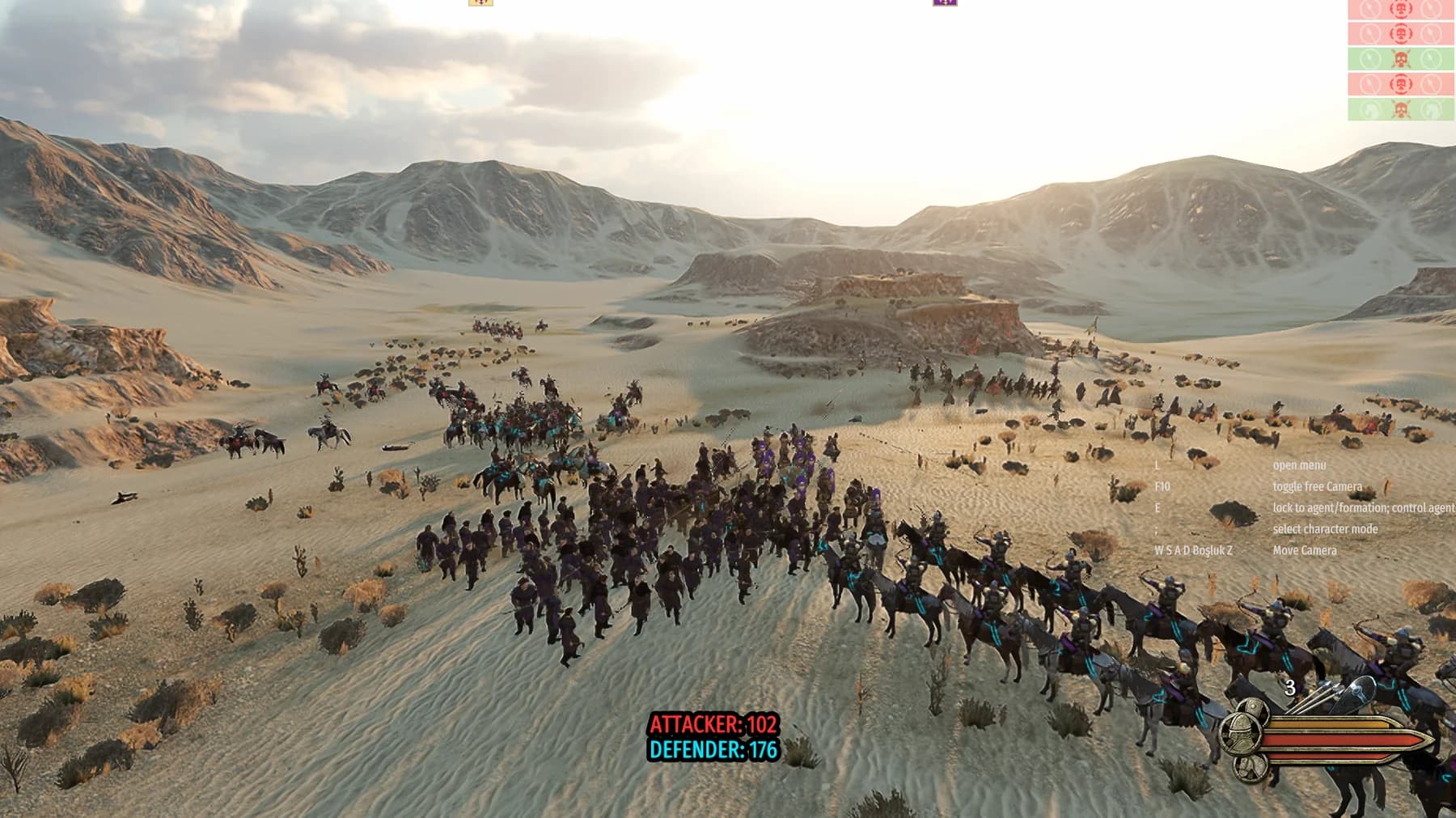
BUILT FOR INTERACTIVE BATTLES
Set up the battle in Streamshot and let mapped TikTok LIVE activity add units to the side you choose.
Send each action to Attacker or Defender, then choose the troop type and how many units it adds.
Use gifts, likes, and follows as triggers. Only actions you have mapped will add units in game.
Create and name your mappings in Streamshot, test them before going live, and adjust the battle to fit your stream.
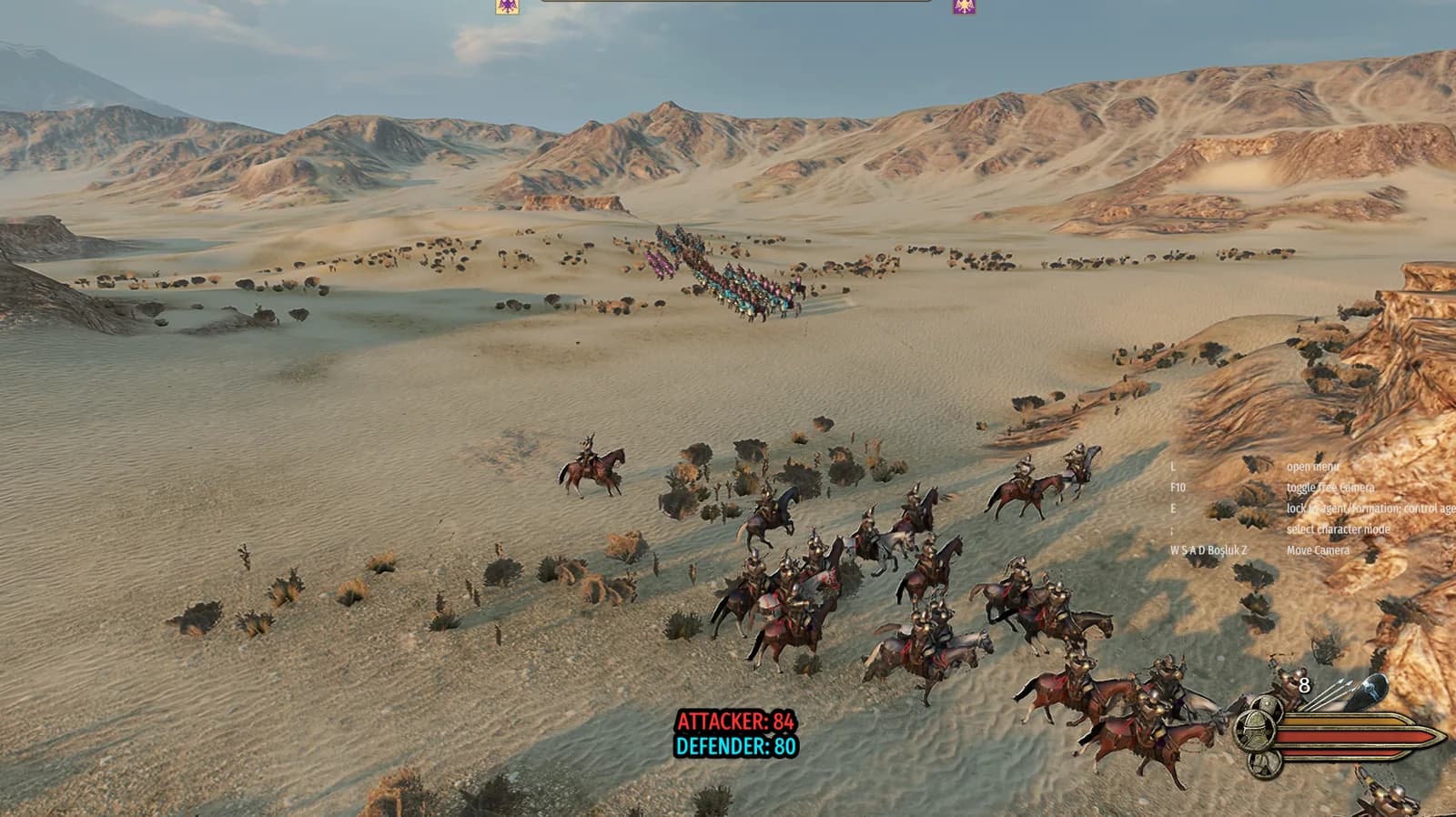
THE BATTLE, SHAPED LIVE
When a mapped TikTok LIVE action arrives, Streamshot sends the configured units to the selected team. Choose a unit, team, and unit count for each mapping.
GET STARTED
Install the Bannerlord mod from Streamshot, start a Custom Battle, and decide how TikTok LIVE activity joins the fight.
Select your Mount & Blade II: Bannerlord game folder in Streamshot and install the mod package.
Launch Bannerlord and start a Custom Battle. While the game is open, the mod connects to Streamshot.
Choose a TikTok LIVE action, team, troop, and unit count for each mapping. Start your stream and let viewers reinforce the battle.
BANNERLORD MOD FAQ
It connects your Streamshot setup to Mount & Blade II: Bannerlord. During a Custom Battle, mapped TikTok LIVE actions can add configured units to Attacker or Defender.
You can create mappings for gifts, likes, and follows. Choose the team, troop, and number of units for each action in Streamshot.
Install the mod from Streamshot using your Bannerlord game folder, open the game, and start a Custom Battle. Configure and save your mappings in Streamshot before going live.
YOUR NEXT BATTLE
Download Streamshot, set up your action mappings, and let your community decide how the battle grows.
Download Streamshot free