01
Choose your map
Pick the territory map that matches your community and the format of your live.
Choose a country map, connect likes, gifts and follows to territory captures, and let your audience compete across regions while you control the rules from Streamshot.
TikTok LIVE MapChart preview
Live connected
Choose a map, set likes, gift processing, colors and territory distribution, then show the game in OBS or TikTok LIVE Studio.
Pick the territory map that matches your community and the format of your live.
Turn likes, gifts and follows into visible captures with rules you control.
Open the game in OBS or TikTok LIVE Studio while Streamshot handles the controls.
LIVE GAME
Interactive map game
Interactive map game
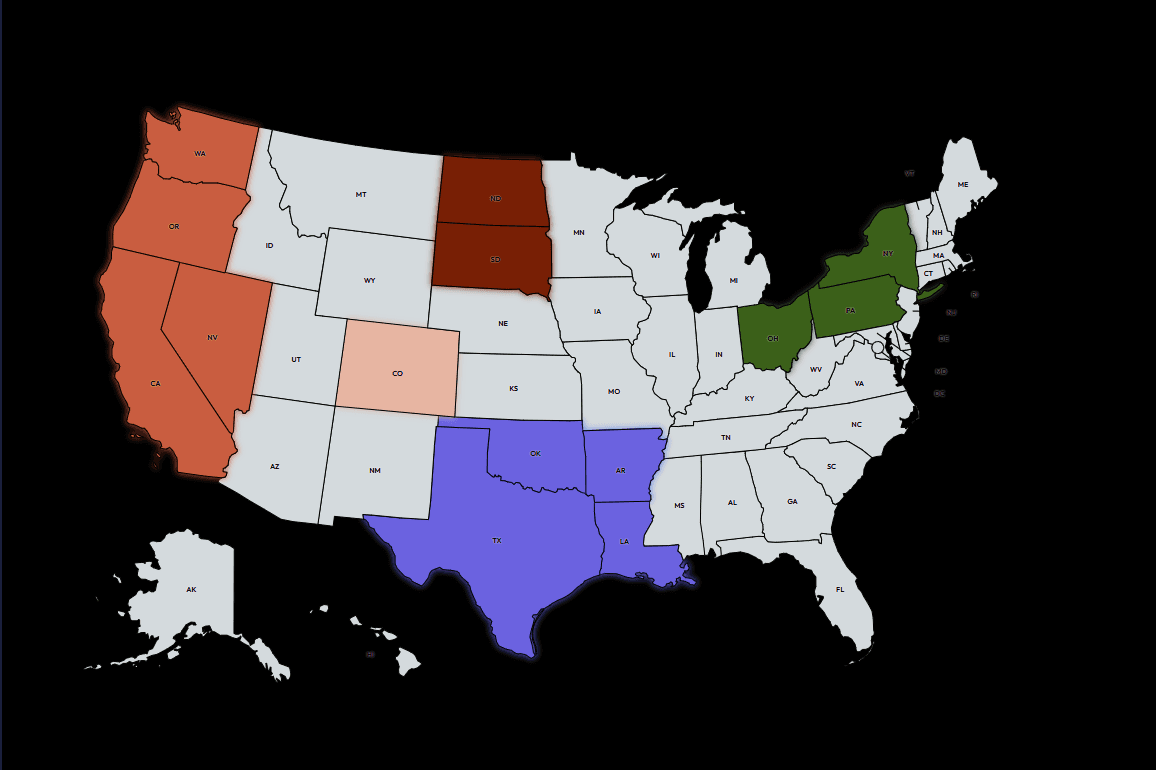
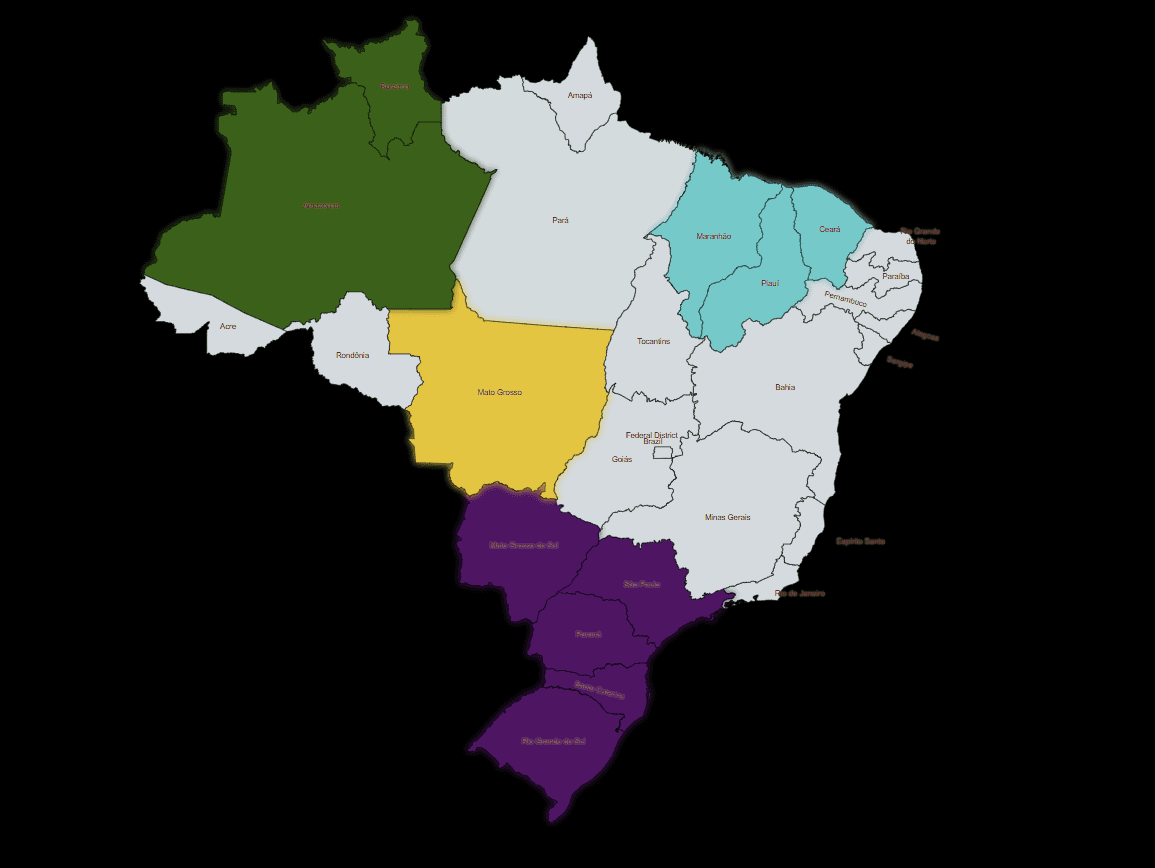
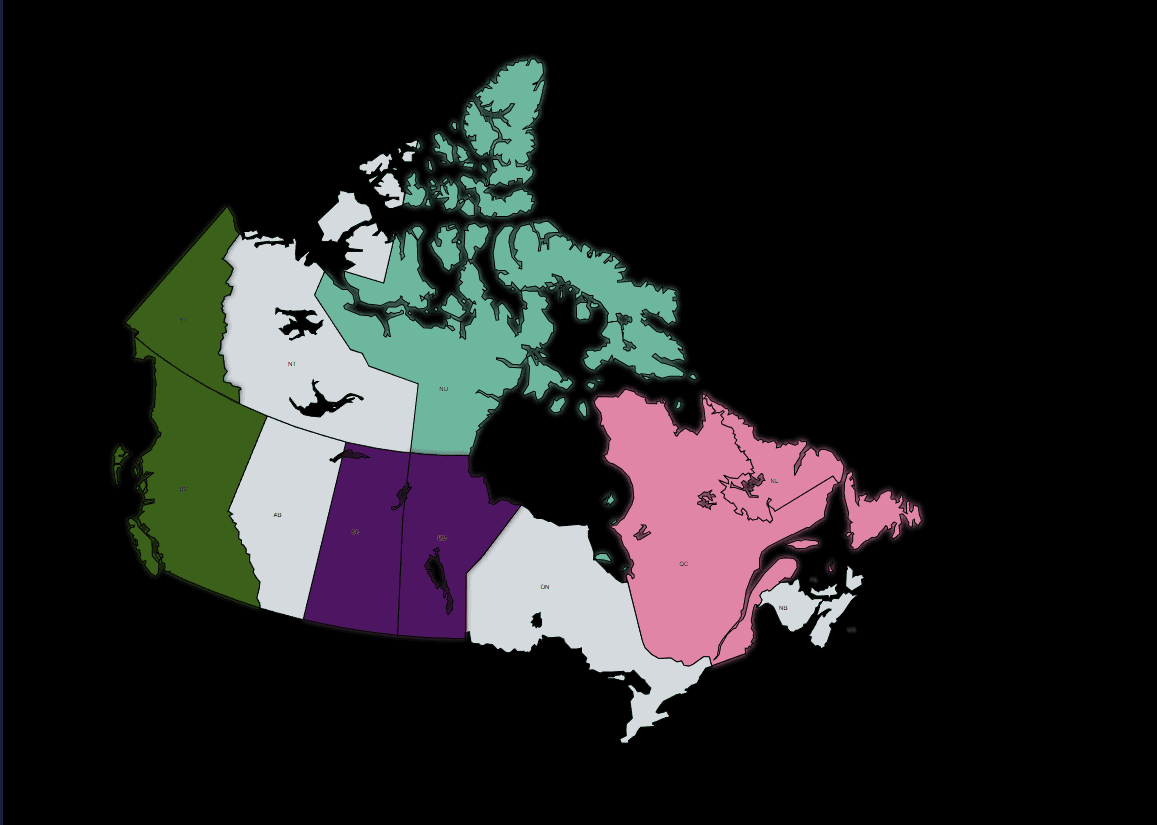
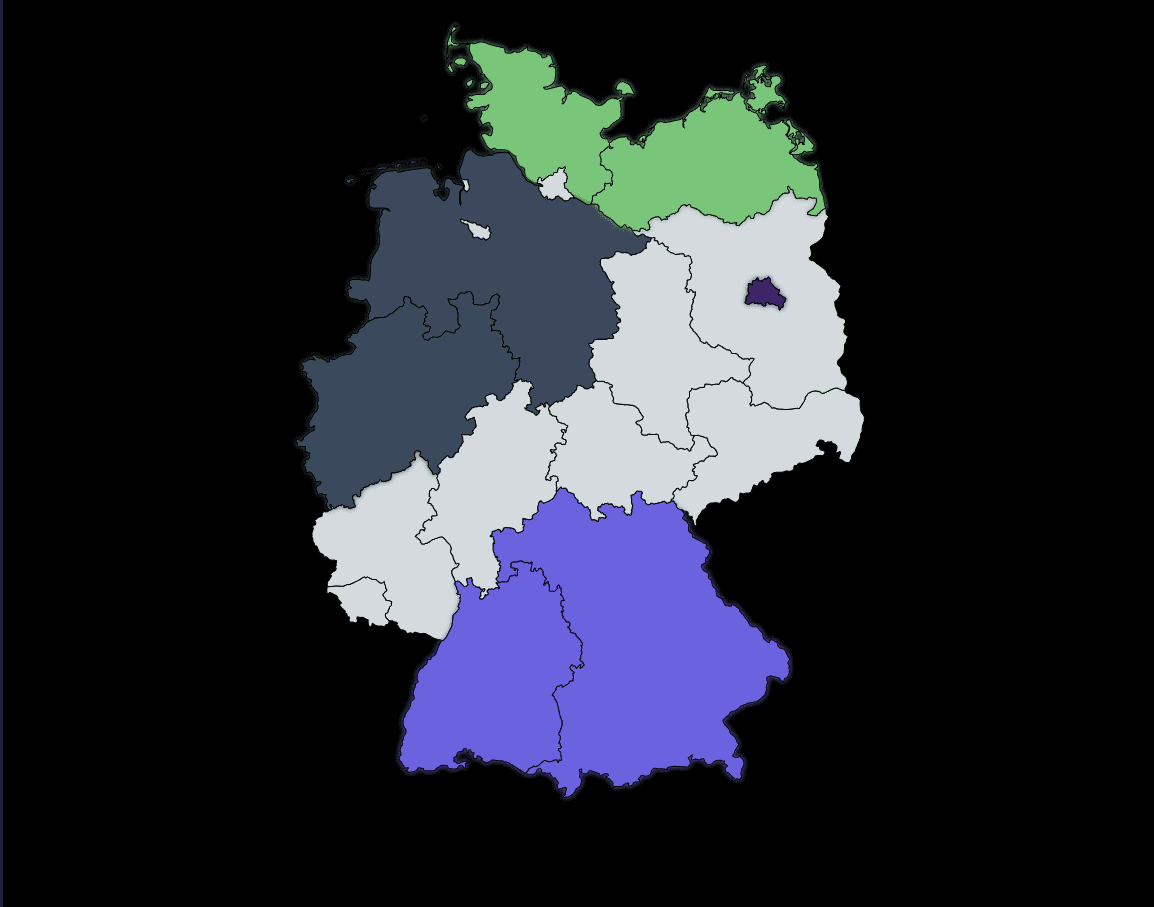
Choose Turkey, the United States, Brazil, Germany or Canada. Territory ownership, colors and rulers update live while the game runs as a browser source.
MAPCHART
The same MapChart game loop works across five different territory maps.
Choose maps and manage the full game from Streamshot
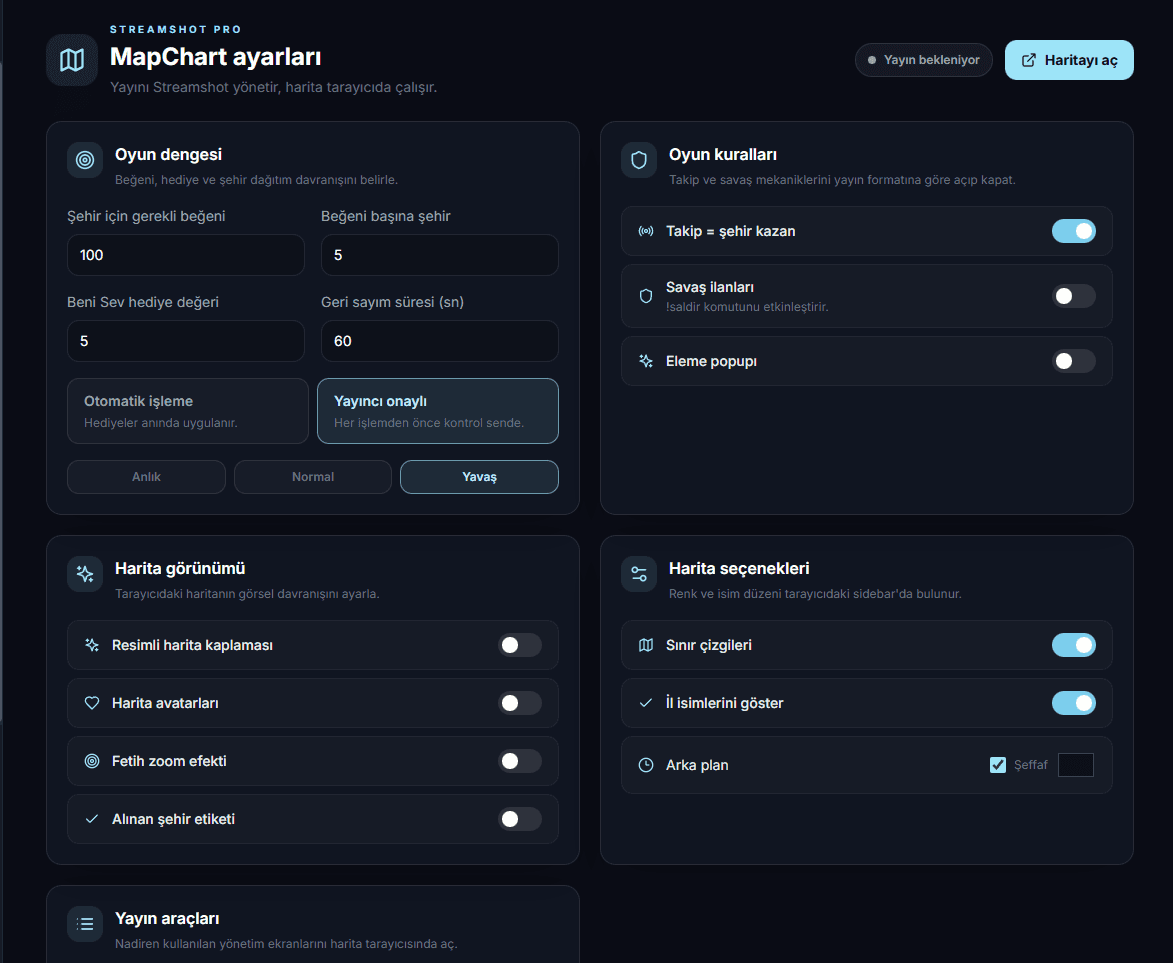
Open MapChart in Streamshot and create the browser source URL.
Select a map, then set likes, gifts, colors and territory distribution.
Add the URL as a browser source in OBS or TikTok LIVE Studio and go live.
Download Streamshot, choose a map and turn every like, gift or follow into a visible move.
Download free